

KwickAcademy Course Topics · free
Course Topics: free video lessons
192 lessons on Course Topics, about 1119 minutes in total. Each one has the video, the tables from the board, the quick answers and the full text.
Adding text, graphics and objects
Adding text, images and objects
Adding text, images and transitions
Advanced animation using layers
Advantages, limitations and security in e-commerce
Analyse data: consolidating data; groups and subtotals
Applications and uses of multimedia

Applications of IT in home computing, everyday life, library, workplace, education, entertainment, communication, business

Applications of IT in science and engineering, banking, insurance, marketing, health care
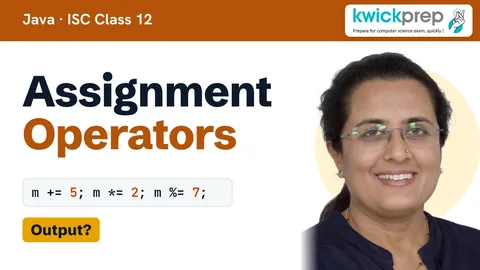
Assignment operations
AutoShapes and SmartArt
Automating tasks with scripts
BPM industry in India
Basics of 2D animation
Borders, shading and cell styles
Bullets, numbering, tables and document organization
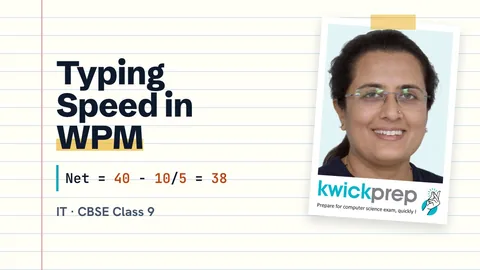
Calculating typing speed and typing rhythm
Cascading Style Sheets and JavaScript
Case Study - Online Bill Calculator
Case Study - Online Game
Case Study - Online Quiz
Cell referencing — relative, mixed and absolute referencing
Character and paragraph formatting
Charts — importance, types, creating and inserting charts
Computer Fundamentals
Concept and uses of mail merge
Concept of layers in Synfig
Concept, elements and characteristics of an effective presentation
Console mini-projects (calculator, quiz, number game)
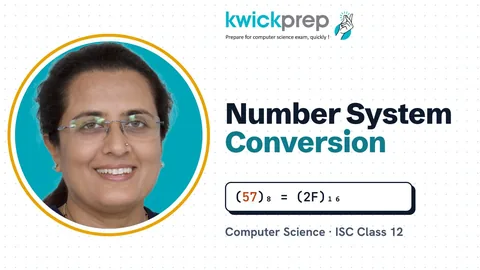
Conversion of number representations
Copying a formula
Create a table using the tags: table, tr, th, td, rowspan, colspan
Creating a data source
Creating a presentation
Creating and editing charts
Creating and editing slides
Creating and formatting tables
Creating and saving documents
Creating animation with keyframes
Creating mailing labels
Creating slides
Creating, opening, saving and closing a document; document views
Creating, saving and opening documents
Data Editing and Formatting in Calc – entering, editing and formatting data
Decomposing a problem before coding

Designing and testing programs onscreen
Digital Documentation
Digital Presentation
Drawing objects — creating, setting properties, resizing and grouping
E-Governance
Edit and format a slide: add titles, subtitles, text, background, and watermark, headers and footers, and slide numbers.
Edit and format text: text style (B, I, U), font type, font size, text colour, alignment of text. Format paragraphs with line and/or paragraph spacing.
Editing text
Editing text: cut, copy, paste, find and replace
Elementary concept of objects and classes
Elementary system administration scripts
Embed audio and video in a HTML page
Entering and editing data
Entrepreneurship Skills
Ethical use of computers and software
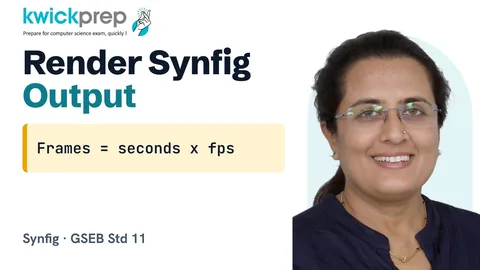
Exporting and rendering output
Features and tools of Synfig
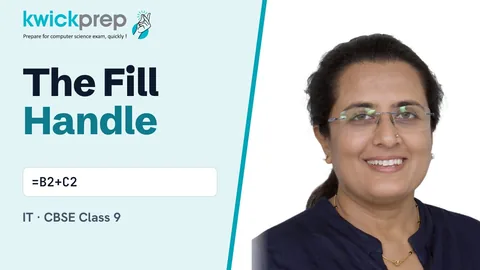
Fill handle — number series and copying formulas
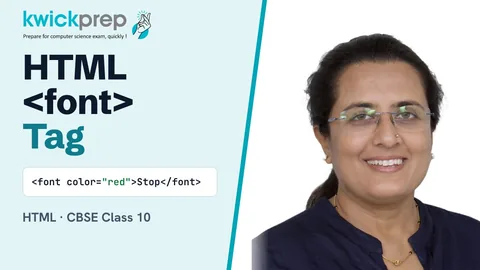
Font tags (attributes: face, size, color).
Formatting cells
Formatting cells, numbers and text
Formatting columns and rows
Formatting data — dialog boxes, decimal places, labels, scientific, time, alignment
Formatting paragraphs
Formatting paragraphs — indent, align, bullets and numbering, borders and background
Formatting text and applying custom animation; text alignment, bullets and numbering
Formatting text — case, superscript/subscript, font colour, highlighting
Formatting text, colour, background and layout with CSS
Formatting toolbar
General purpose Linux commands

Handling Images in HTML – inserting images, dimensions and alt text
Hardware components and their roles
Headers, footers and page numbers
Hyperlinks: relative and absolute hyperlinks; creating and editing hyperlinks
I/O redirection and pipes
Identifying and listing various IT-enabled services
Image-based animation
Importing and handling images
Inserting and deleting rows and columns
Inserting images, tables and hyperlinks
Inserting merge fields
Inserting rows, columns and data
Interactive mode vs script mode
Interpreting and formatting charts
Introduction to Calc – worksheets, cells, rows and columns
Introduction to E-Commerce
Introduction to HTML – elements, tags and attributes
Introduction to IT and ITeS, BPO services
Introduction to M-Commerce
Introduction to Rapid Typing Tutor and touch typing technique
Introduction to a word processor: create and save a document.
Introduction to presentation software
Introduction to presentation software (Impress); parts of the presentation window
Introduction to shell scripting
Introduction to spreadsheet application; starting Calc and its parts
Introduction to spreadsheets
Introduction to word processing and word processor window parts
Introduction to word processors
Linking Spreadsheet Data: setting up multiple sheets; creating references to other sheets and other documents
Links: significance of linking, anchor element (attributes: href, mailto), targets
List and Table Handling – ordered/unordered lists and tables
Mail merge concept and steps
Mail merge — main document, data source, merging and printing letters
Main document and data source
Managing documents
Merging and printing letters and labels
Merging data into the main document
Mobile commerce concepts, applications and comparison with e-commerce
Models of e-commerce (B2B, B2C, C2C), online transactions and payment systems
Modifying a worksheet
Multimedia: images, audio, video, animation
Navigating and selecting ranges
Nested statements; counts and totals
Online Reservation Systems
Online Shopping and Bill payments
Online Tutorials and Tests
Page layout and styles
Page setup, margins and orientation
Paragraph formatting and alignment

Positioning images in text: arrangement, anchoring, alignment, text wrapping
Presentation software basics (LibreOffice Impress)
Presentations (OpenOffice Impress): views, animations, transitions, headers and footers
Prevent accidents and emergencies at the workplace
Print options — print preview, printing all/single/multiple pages
Printing documents
Producing a simple animation sequence
Professional Communication Skills
Program development life cycle (analysis, design, coding, testing)
Project Management - Web Based Application development
Project Management Skills
Project essentials and tips
Protect and unprotect worksheets
Protecting and finding documents
Pseudocode and flowcharts
Publishing Documents using LaTeX
Reading, writing, refining and evaluating programs in Python 3
Relative and absolute cell references
Resizing rows and columns
Row height and column width
Running and printing a slide show
Saving and opening workbooks
Selecting and navigating text
Selecting, adding and renaming worksheets
Sending and receiving messages
Setting up the workspace and canvas
Share and Review a Spreadsheet: sharing, opening and saving a shared spreadsheet, recording changes
Slide design, transitions and running a slide show
Slide layouts, design and transitions
Slide masters and adding slide transitions
Spelling & grammar check; synonyms and thesaurus; non-printing characters
Spelling and grammar
Spreadsheets
Spreadsheets: concept of a worksheet and a workbook, create and save a worksheet.
Starting a Word program
Styles and Formatting window; Fill Format mode
Table of Contents: hierarchy of headings, creating, customizing, maintaining, updating and deleting a ToC
Test data: normal, abnormal, extreme, boundary
Text formatting: font, size, style and colour
Text, audio, video, graphics and animation
Text/paragraph formatting, mathematical typesetting, chapters, sections and table of contents
Trace tables and dry-runs
Trace tables and identifying/correcting errors
Tweening and motion
Types of charts
Types of documents in mail merge
Typing and deleting text; typing ergonomics
Typing and screen objects
Universal Serial Bus (USB)
Universal Serial Bus (USB) benefits and drawbacks

Validation and verification checks
Validation, verification and suitable test data
Vim modes and commands

Web Designing using HTML

What is Ubuntu Linux
What is multimedia and its components
Word processor (OpenOffice Writer): window, tabs, formatting, tables, documents
Word processor basics (LibreOffice Writer)
Word screen layout
Workbook protection
Workbooks, worksheets, rows, columns and cells
Working with pictures in Synfig
Working with slides
Working with text
Working with the timeline
Workplace hazards: types, computers, office equipment and stress
Worksheet — rows, columns, cell and cell address; range of cells (row, column, row & column range)

Writing and executing simple shell scripts
Courses that use these lessons
- CBSE Class 9 Computer Applications (165)
- CBSE Class 10 Computer Applications (165)
- CBSE Class 9 Information Technology (402)
- CBSE Class 10 Information Technology (402)
- CBSE Class 11 Information Technology (802)
- CBSE Class 12 Information Technology (802)
- ICSE Class 9 Computer Applications
- ICSE Class 10 Computer Applications
- ISC Class 12 Computer Science (868)
- GSEB Std 9 Computer Studies
- GSEB Std 10 Computer Studies
- GSEB Std 11 Computer Studies
- GSEB Std 12 Computer Studies
- Cambridge IGCSE Grade 9 Computer Science (0478)
- Cambridge IGCSE Grade 10 Computer Science (0478)
- Edexcel GCSE GCSE Computer Science (1CP2)
- NIOS Secondary Data Entry Operations (229)
- NIOS Senior Secondary Data Entry Operations (336)
- NIOS Senior Secondary Computer Science (330)
- Programming All levels Python
Disclaimer. KwickAcademy is free study material for general learning and revision. Parts of it, including the voice-over, are produced with the help of AI tools and may contain errors; if you spot one, please tell us and we will correct it. Syllabus, marks and exam details follow the latest official board publications available to us, and boards can change them at any time, so always confirm against your board's official website and your school. Using this material does not guarantee any marks or result. Board names and trademarks belong to their owners; Kwickprep is not affiliated with or endorsed by any examination board. We never ask for passwords, OTPs or ID numbers. Your progress is saved only in this browser. Full disclaimer · Privacy