CBSE 2026 results are out, Mukul scored a perfect 100/100 in Computer ScienceSee all toppers →
Student Onboarding Support

Getting started with Kwickprep

Everything you need to enrol, in one place. Watch the short walkthrough, follow the illustrated steps, or download the guide. Stuck anywhere? Message us on WhatsApp, we are happy to help.

Download the PDF guideAsk us on WhatsApp
{ }

The registration flow, step by step

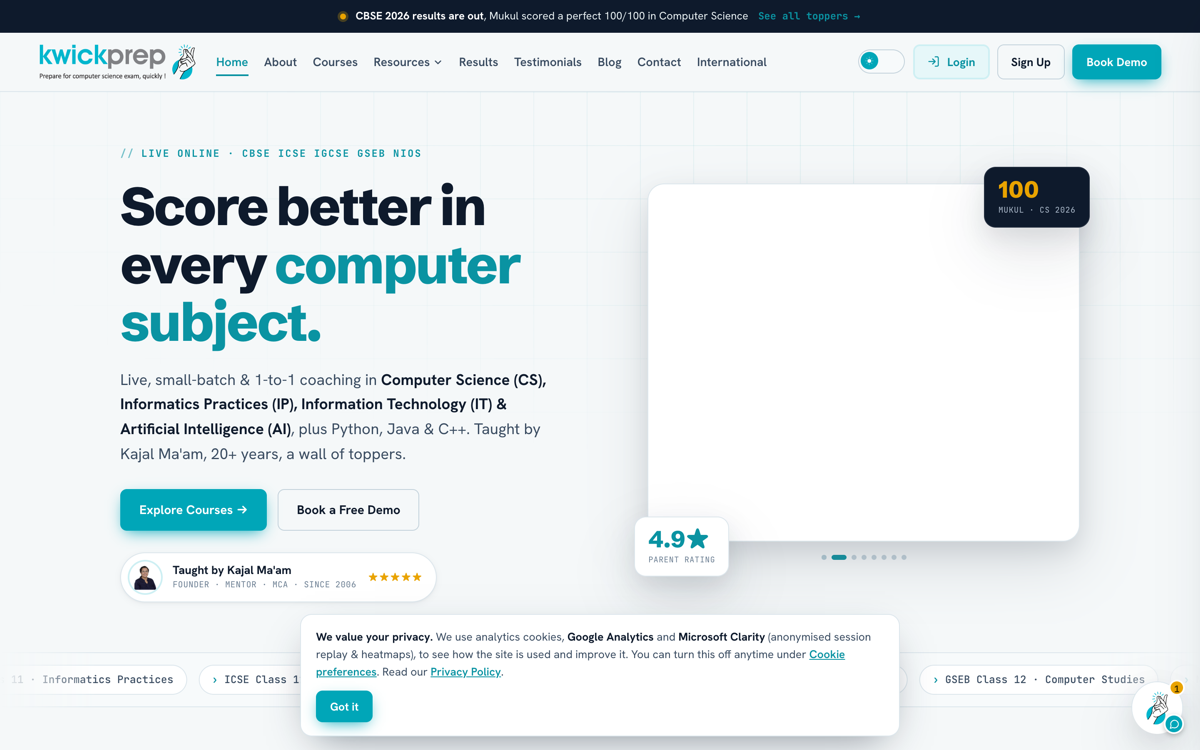
Step 1. Go to kwickprep.com and tap Sign Up

This opens your student registration. Already have an account? Use Login instead.
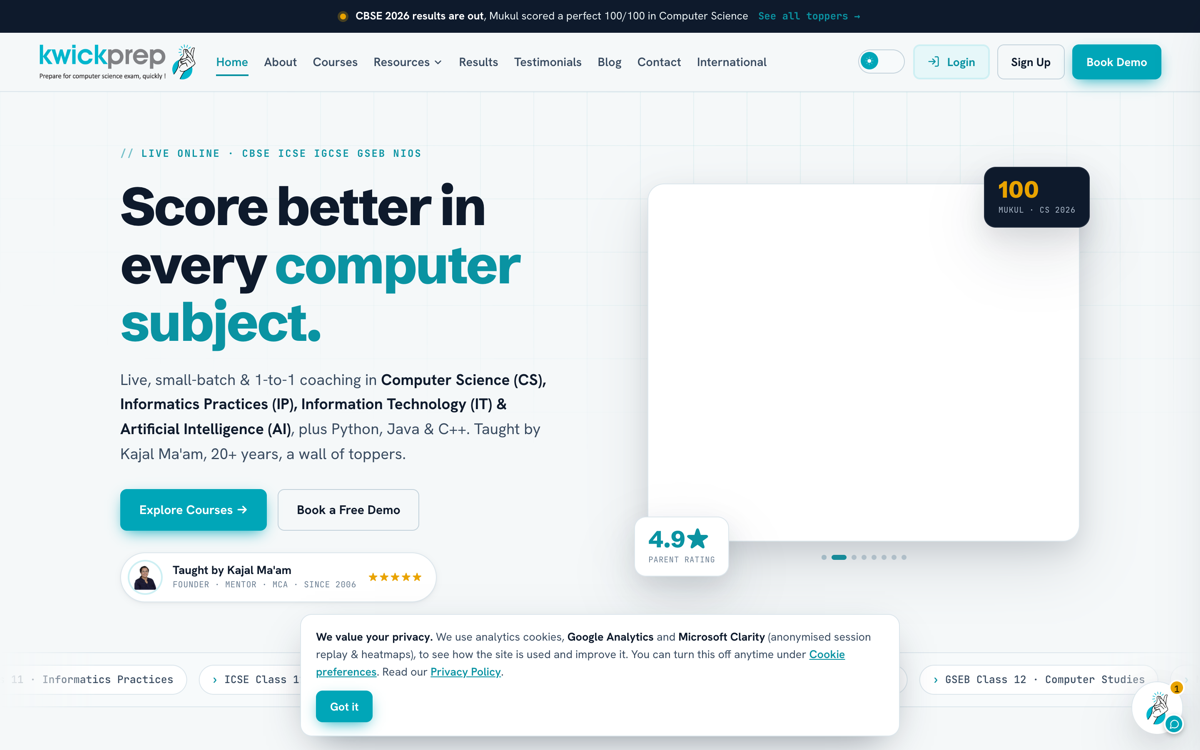
Kwickprep home with Sign UpKwickprep home with Sign Up

Step 2. Fill in your details and verify with OTP

Enter your name, email and WhatsApp number, then choose your board, class and subjects. Add your address, solve the quick captcha and tap Send OTP. In India the code comes on WhatsApp; overseas it comes by email. Enter the code to verify.
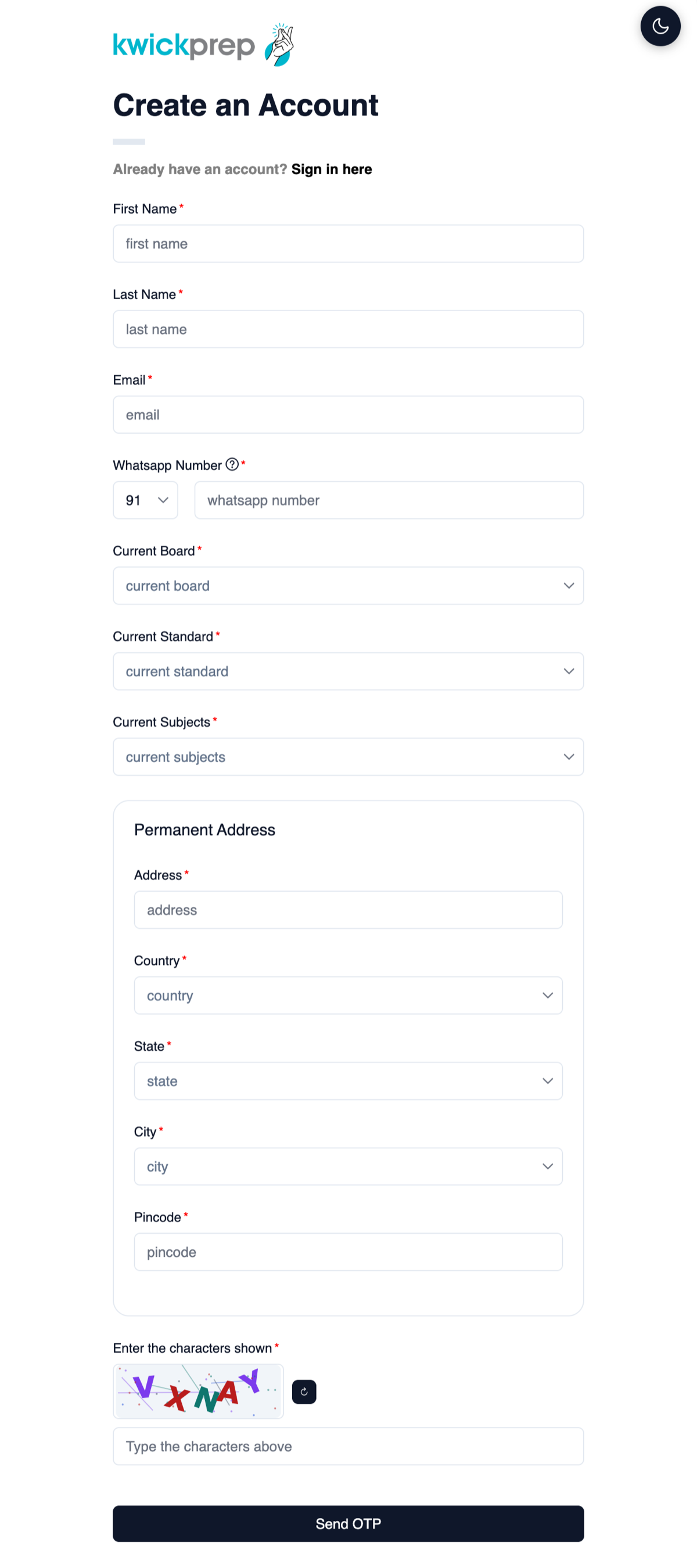
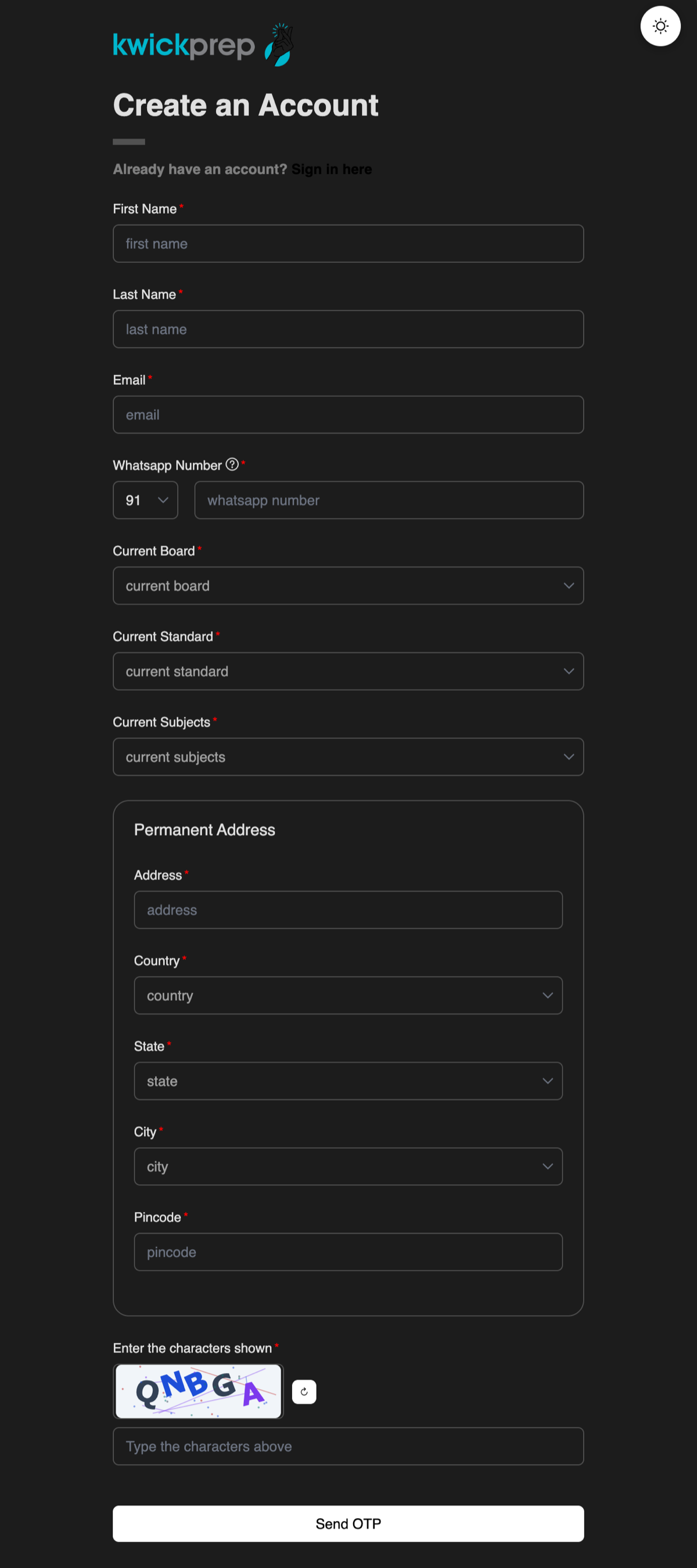
Registration formRegistration form

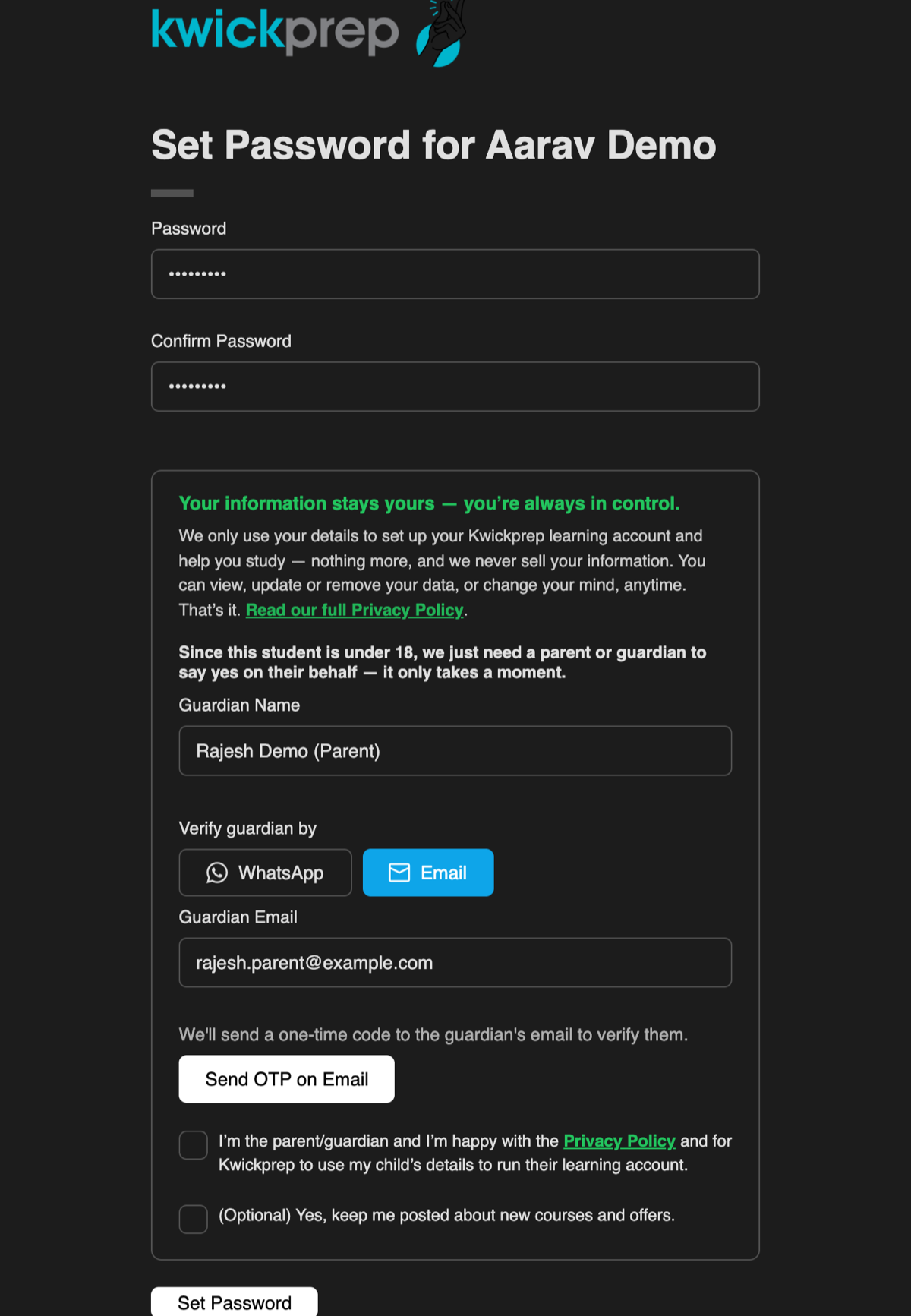
Step 3. Set your password and give consent

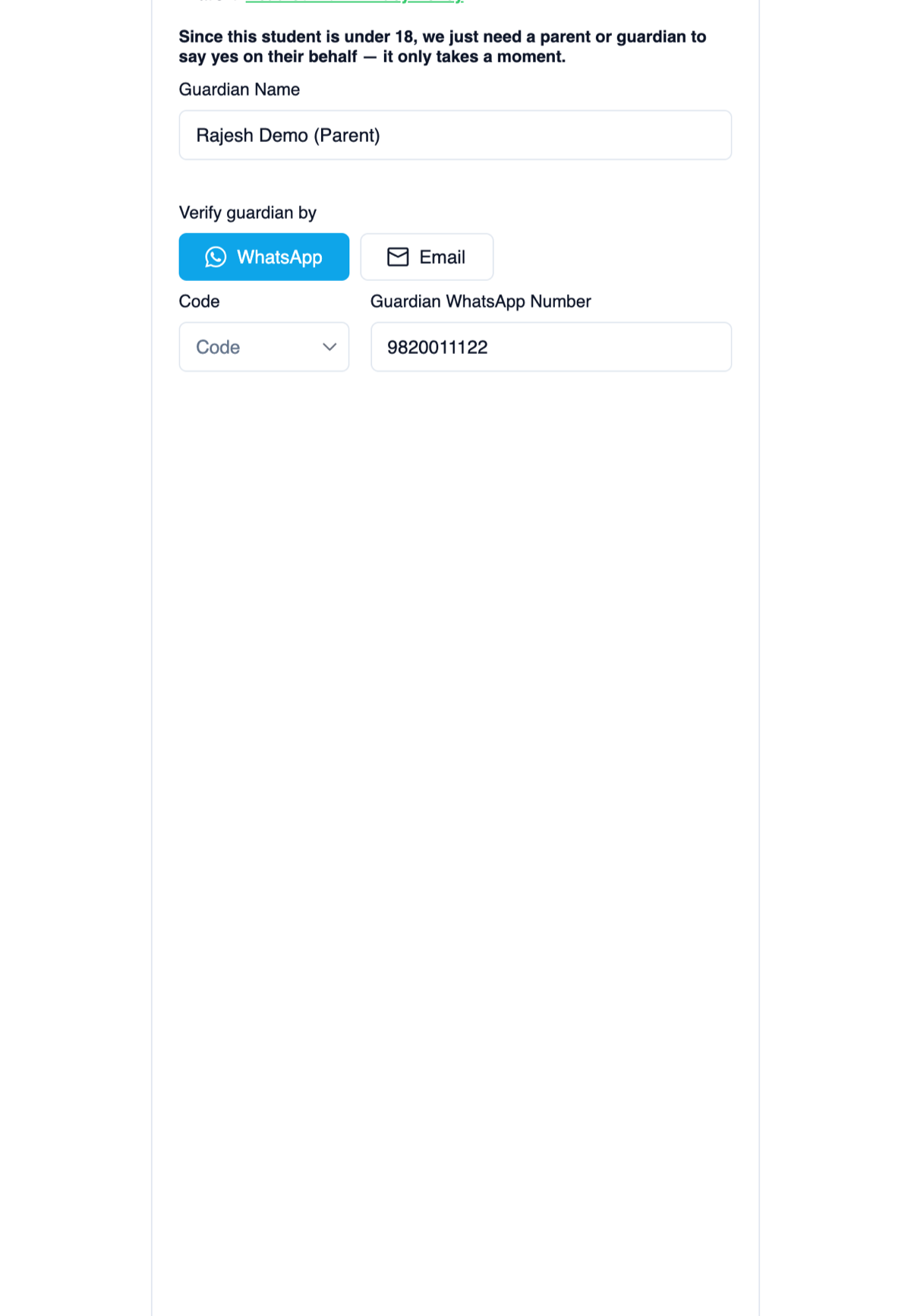
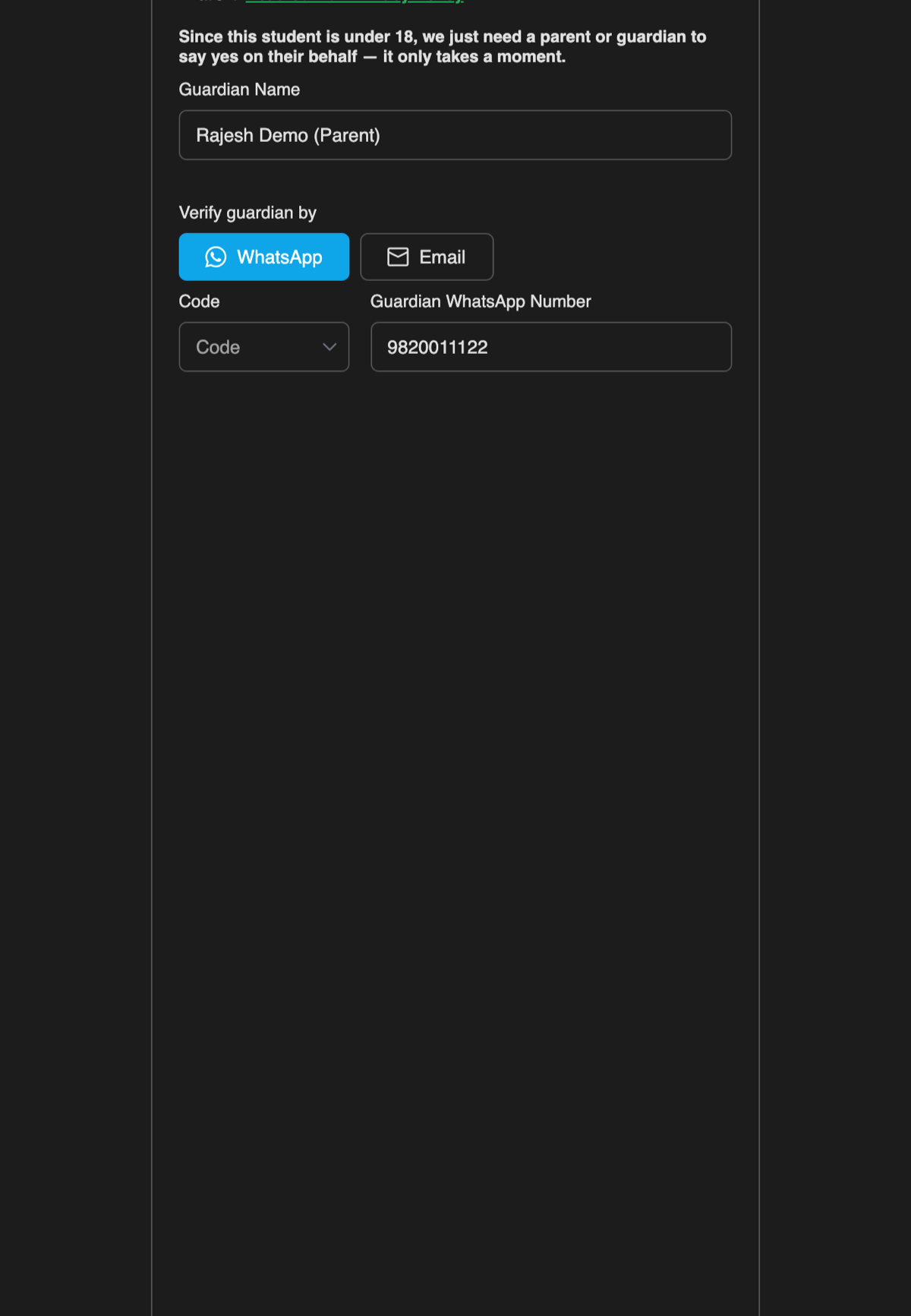
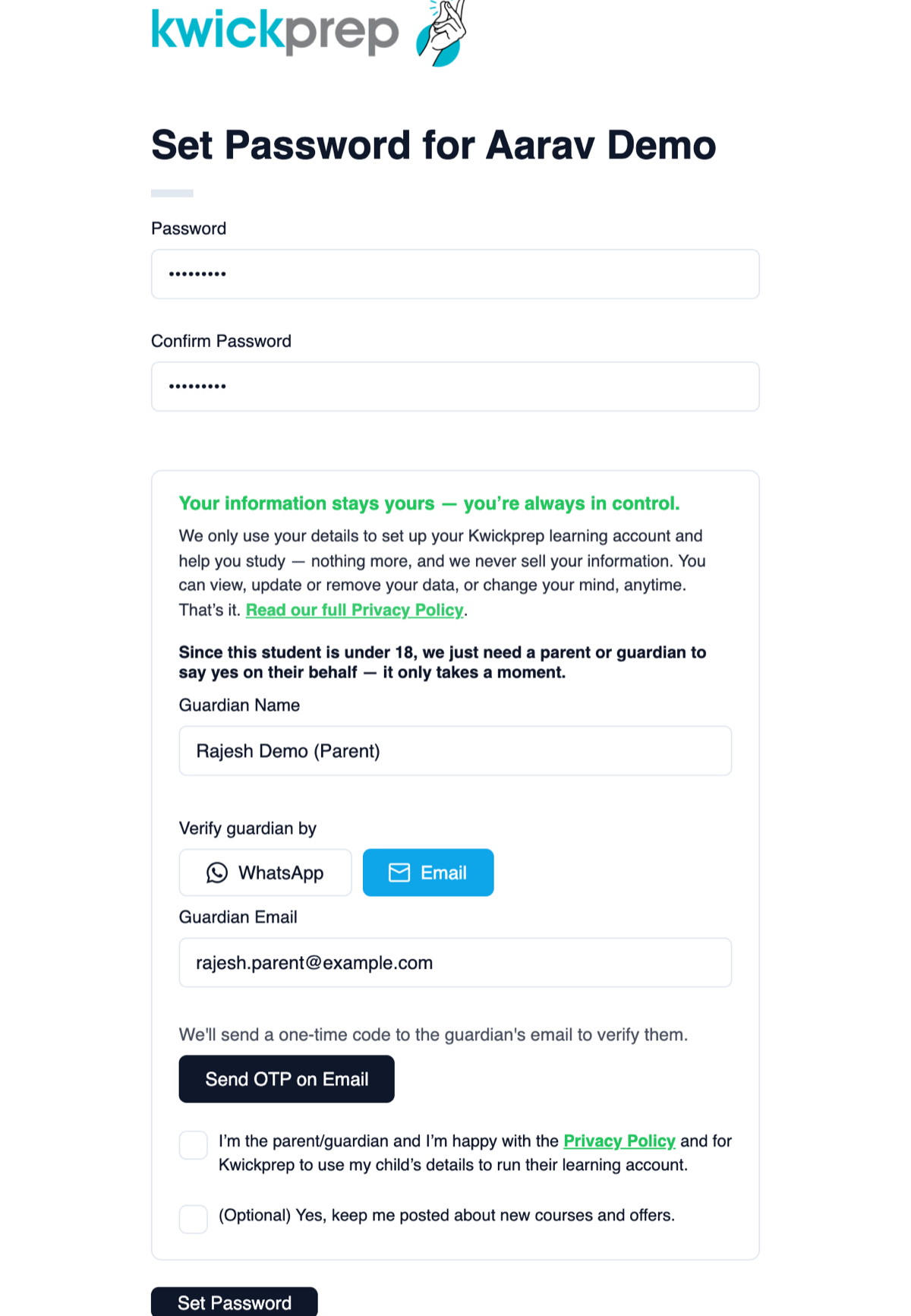
Create your password. Kwickprep only uses your details to run your learning account, never sold. If you are 18 or older, tick the consent box. If you are under 18, a parent or guardian adds their details and verifies with a one-time code (by WhatsApp or email), then gives consent, keeping younger students protected.
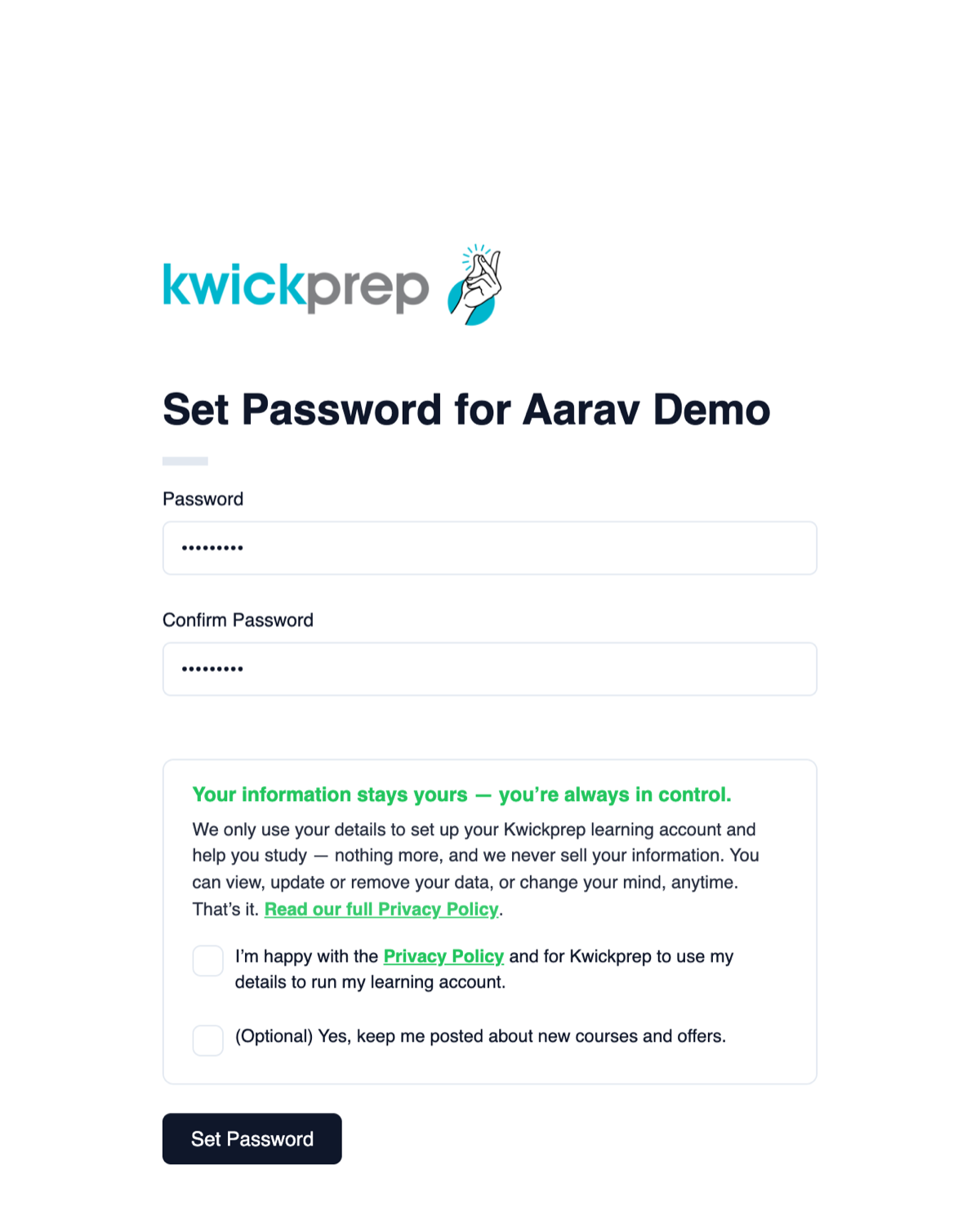
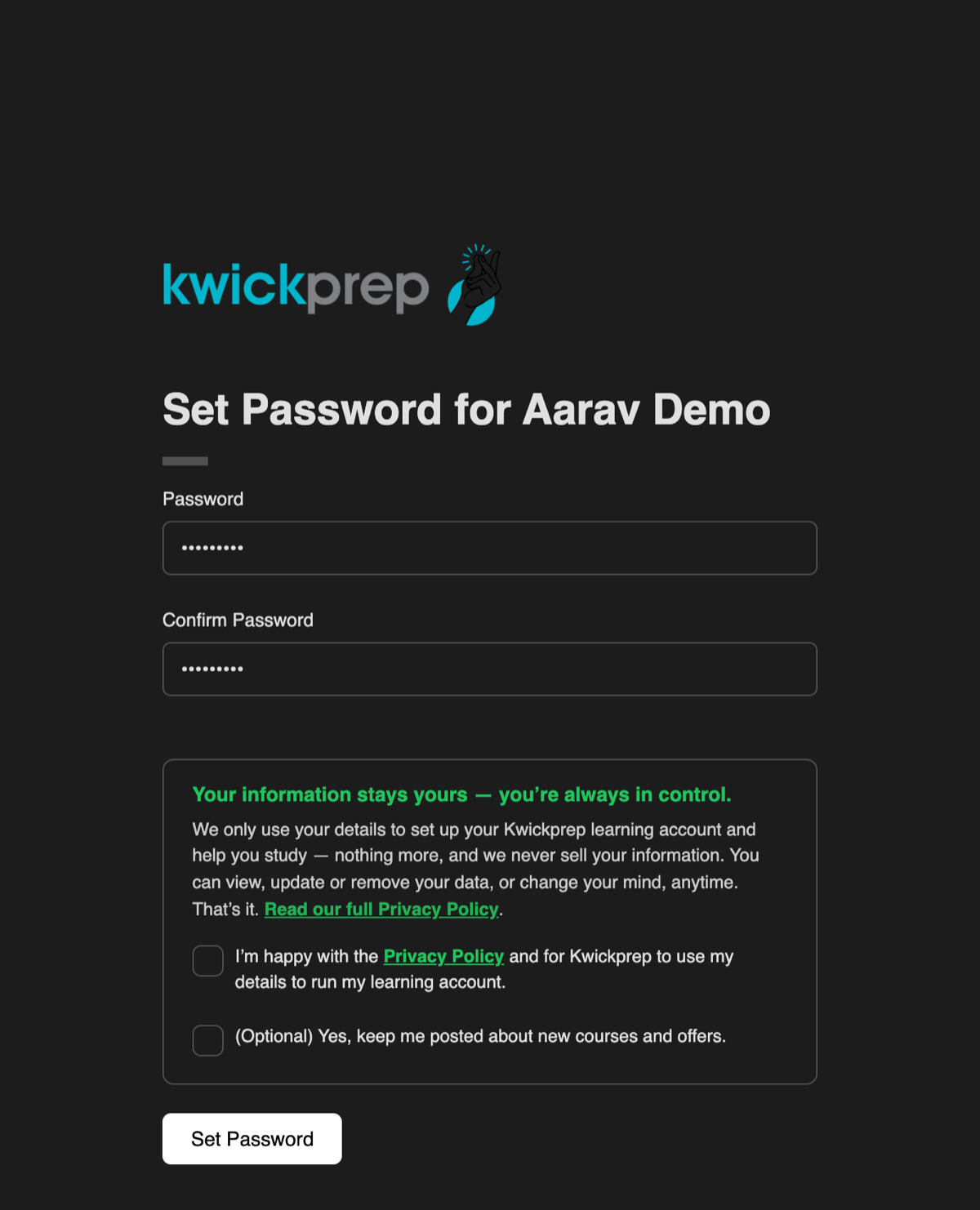
Consent for 18 and aboveConsent for 18 and aboveGuardian consent, under 18Guardian consent, under 18Guardian OTP by emailGuardian OTP by email

Step 4. Your account is activated

That is it, your Kwickprep account is ready to use.
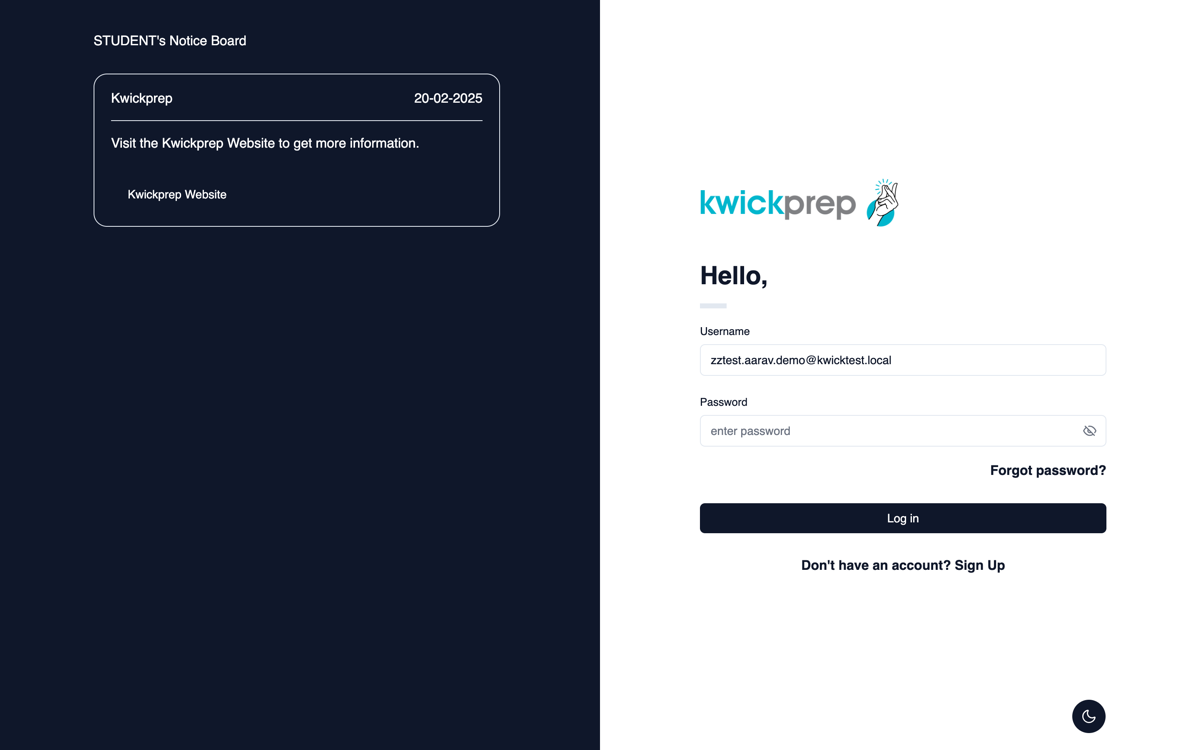
Account activatedAccount activated

Step 5. See the courses made for you

When you sign in you will see the courses matched to your board, class and subjects. Want to explore other courses? Just change the filters at the top.
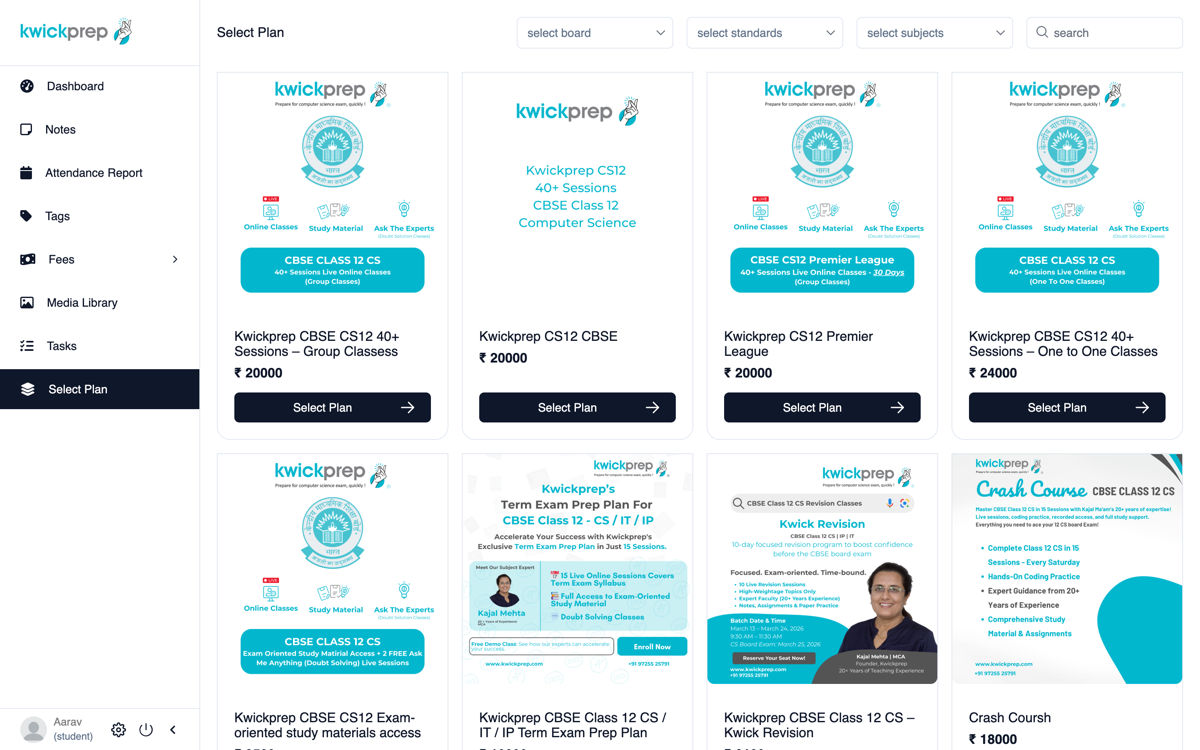
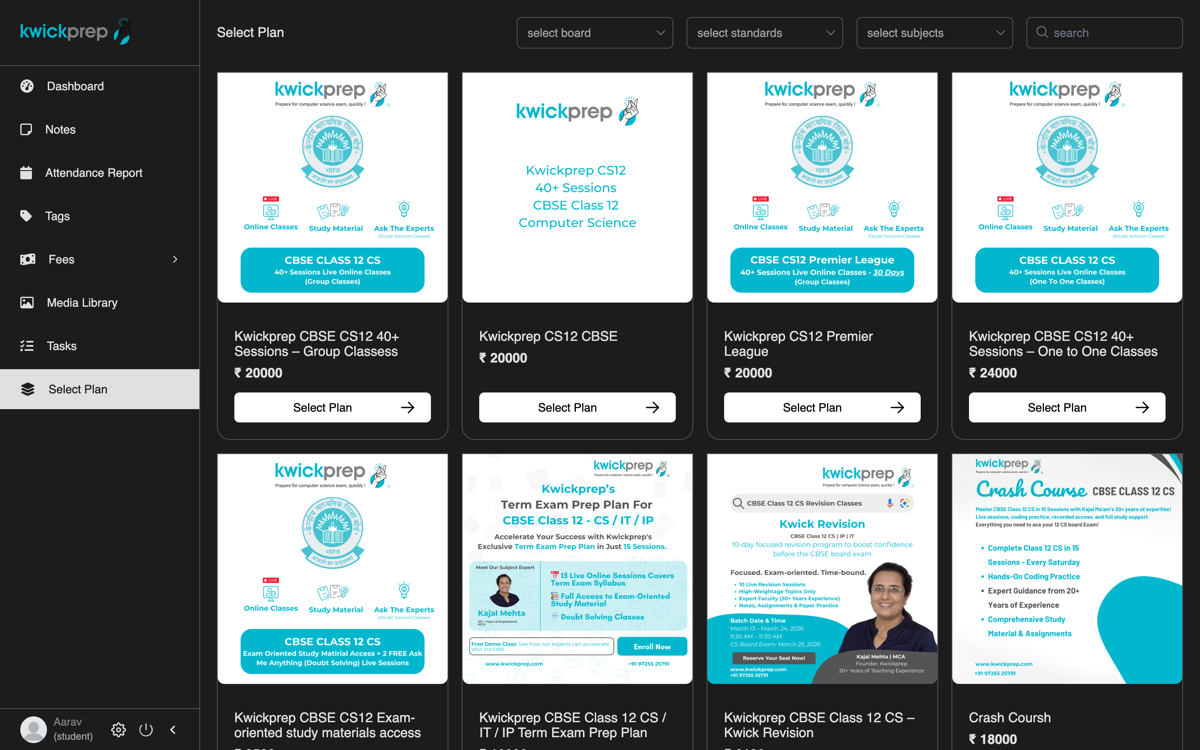
Matched course plansMatched course plans

Step 6. Buy directly, or request a custom plan

Open a course to see everything included. You can buy the plan directly. Or, if you and Kwickprep discussed a special fee or EMI on WhatsApp, do not worry about the full price shown, choose Request Custom Plan. Your request comes to us, we set up your agreed EMI, and it appears in your account to pay.
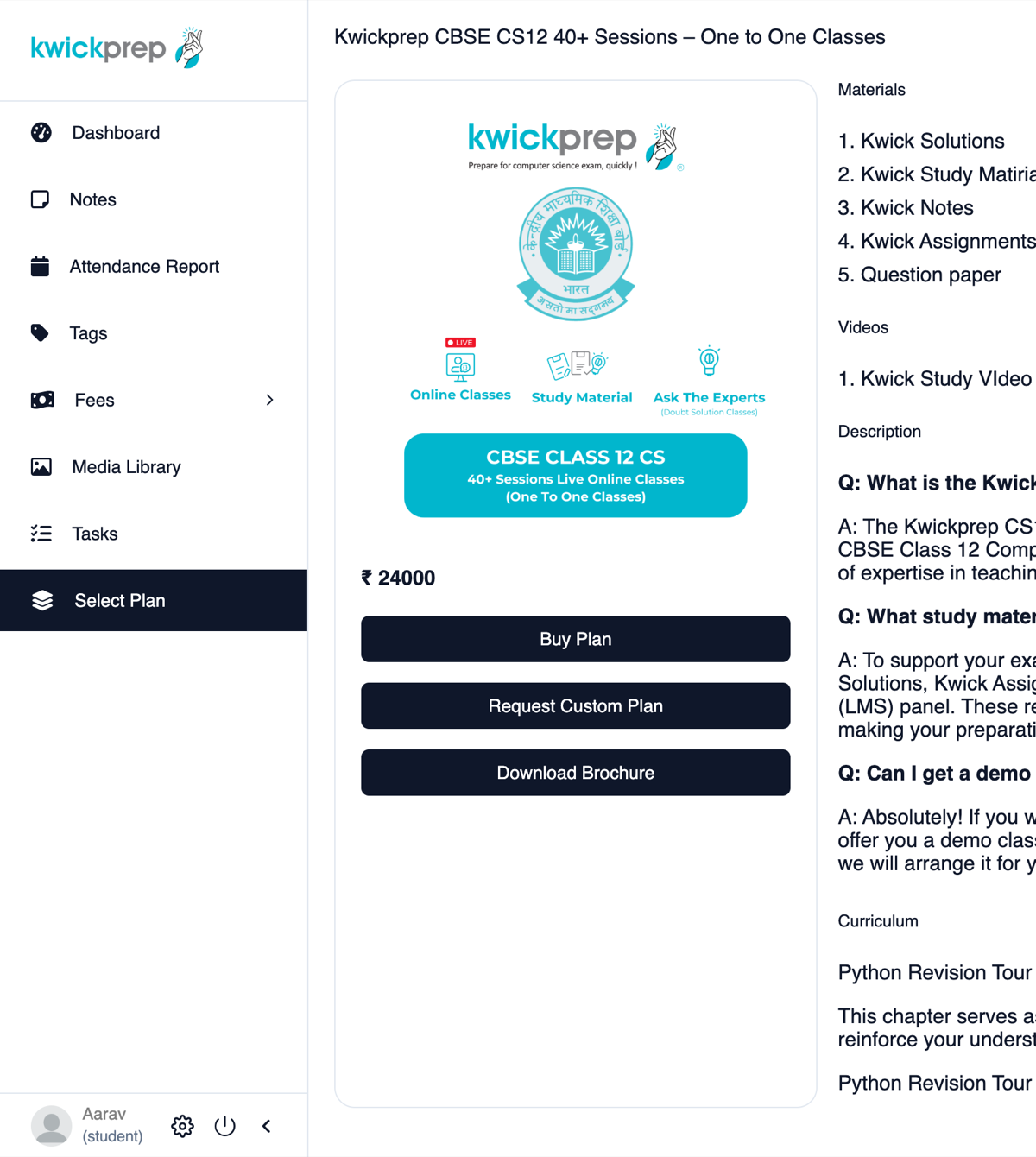
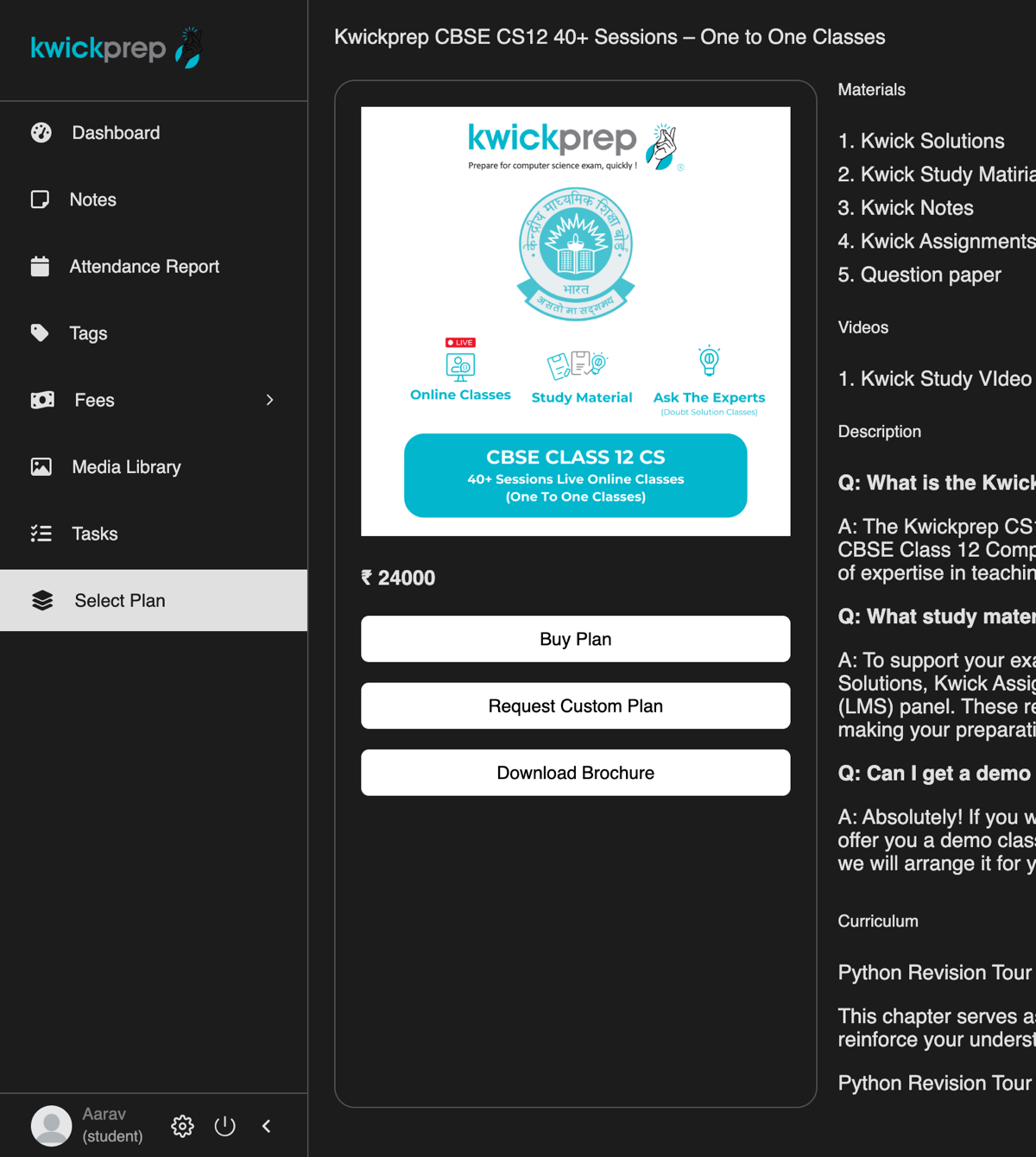
Plan detail with Buy / Request Custom PlanPlan detail with Buy / Request Custom Plan

Step 7. Pay by bank transfer or UPI

Choose full payment or EMI, pay by bank transfer or UPI to the account shown on screen, and upload your payment proof.
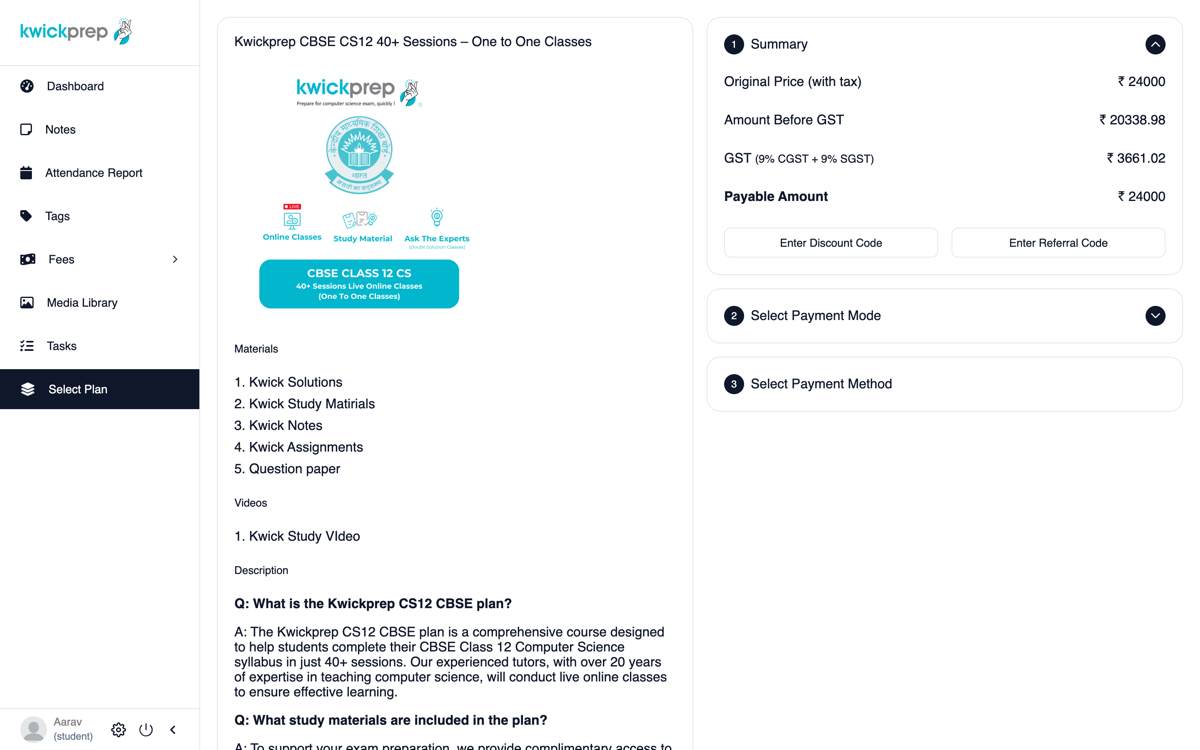
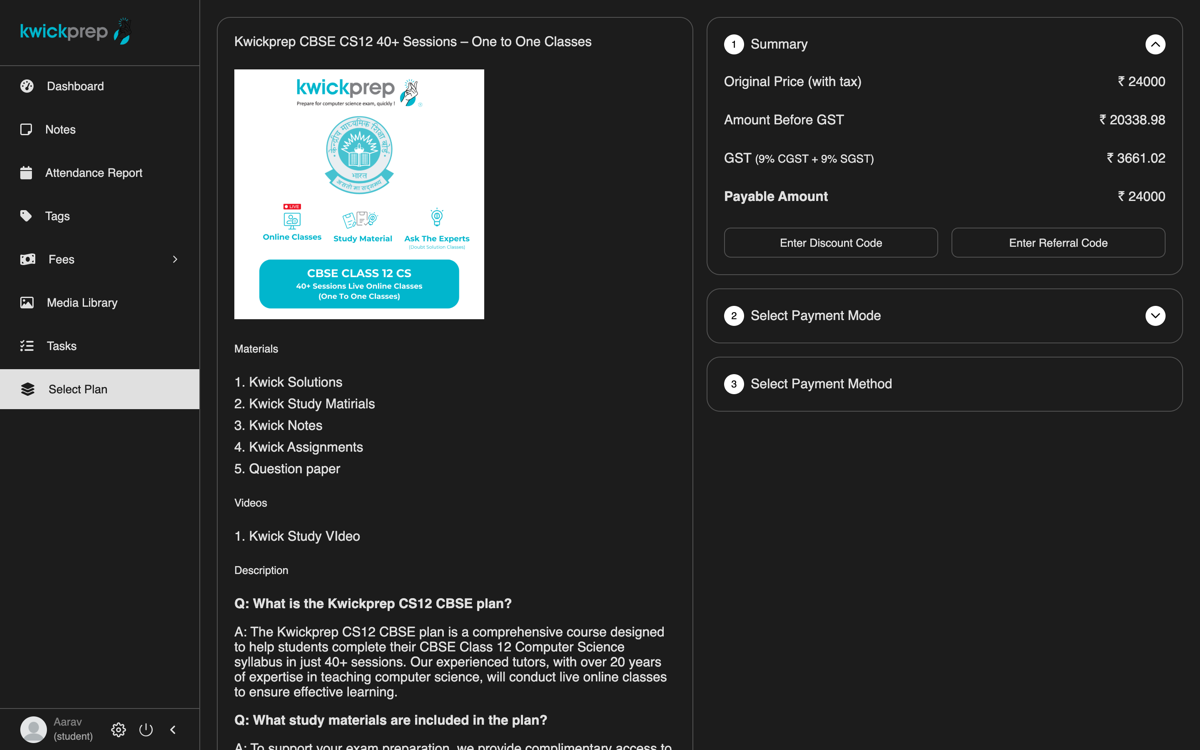
Payment screenPayment screen

Step 8. We verify and everything unlocks

Track it under My Orders. Once we confirm your payment, your plan activates and all your classes, notes and study materials unlock instantly.
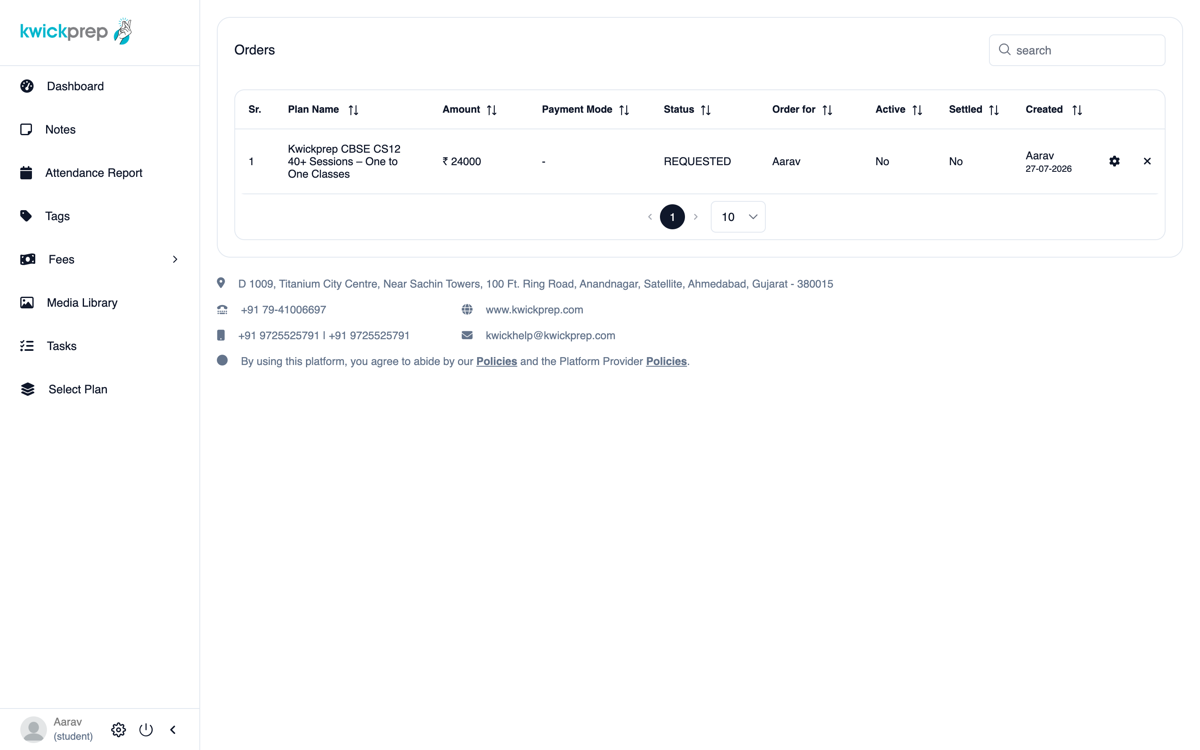
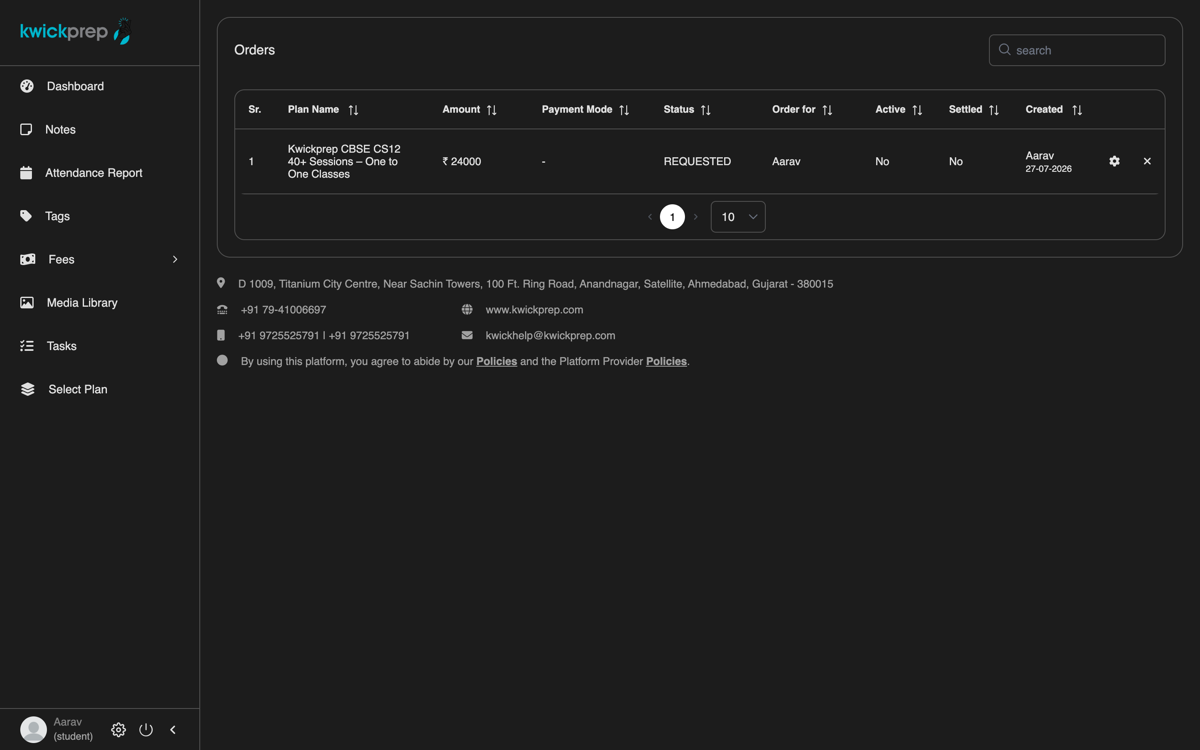
My OrdersMy Orders
{ }

Explore all courses

Not sure which course to choose while signing up? Browse everything by board, class and subject, or jump straight to a popular one.

Browse all courses
Class 12 Computer ScienceClass 11 Computer ScienceClass 12 Informatics PracticesClass 10 Artificial IntelligencePython ProgrammingICSE Computer ApplicationsIGCSE Computer Science
{ }

International & NRI students

Studying outside India? Kwickprep coaches CBSE and Cambridge IGCSE students across the UAE, Qatar, Singapore, Saudi Arabia, the US, UK and beyond. During sign-up your OTP arrives by email instead of WhatsApp, classes are scheduled to your local time zone (weekends and evenings included), and fees can be discussed in INR, USD or AED with payment by bank transfer. Under-18 students complete guardian consent by email or WhatsApp, whichever the parent prefers.

International & NRI details Ask about overseas enrolment
{ }

Common questions

Is there any fee to try Kwickprep before I enrol?+
No. You can book a free demo class with no payment and no obligation, message us on WhatsApp at +91 97255 25791. You only enrol if you love the class.
How do I sign up as a new student?+
Go to kwickprep.com and tap Sign Up, fill in your name, email, WhatsApp number, board, class and subjects, verify with the OTP (WhatsApp in India, email overseas), set a password, give consent, and your account is activated.
I am under 18, can I still enrol?+
Yes. A parent or guardian enters their details and verifies with a one-time code sent by WhatsApp or email, then gives consent. This keeps younger students protected while they learn.
I am an international or NRI student, how does onboarding work?+
During sign-up your OTP arrives by email instead of WhatsApp. Classes are scheduled to your local time zone (weekends and evenings included), and fees can be discussed in INR, USD or AED with payment by bank transfer.
We agreed a special fee or EMI on WhatsApp, what do I do at payment?+
On the course page, choose Request Custom Plan instead of paying the full price shown. Your request comes to us, we set up your agreed EMI, and it appears in your account for you to pay.
How do I pay, and when do my classes unlock?+
Pay by bank transfer or UPI to the account shown on screen and upload your payment proof. Once we verify it, your plan activates and all your classes, notes and study materials unlock instantly.

Need help? Talk to a real person

Any question about signing up, choosing a course, or paying, just reach out. No payment, no obligation.

WhatsApp +91 97255 25791Call +91 97255 25791kwickhelp@kwickprep.com