

KwickCards HTML and the web
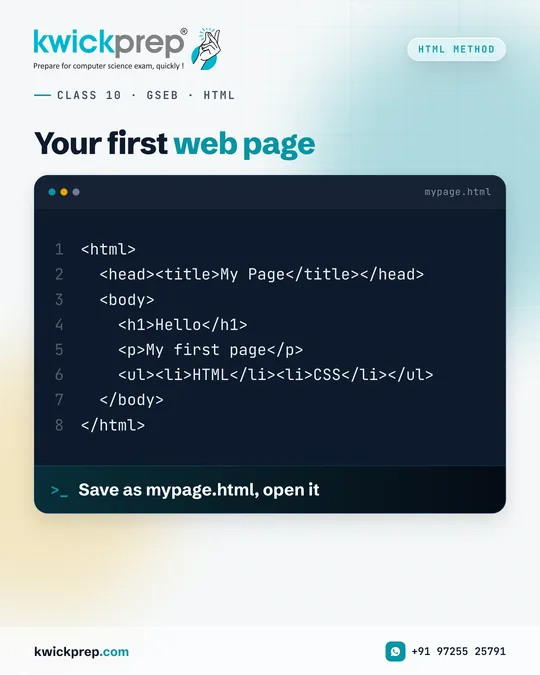
Save as mypage.html, open it
CLASS 10 · GSEB · HTML
Your first web page
Save as mypage.html, open it
<html>
  <head><title>My Page</title></head>
  <body>
    <h1>Hello</h1>
    <p>My first page</p>
    <ul><li>HTML</li><li>CSS</li></ul>
  </body>
</html>
You can build a real web page in five minutes.
Start with the basic structure: <html> wraps everything, <head> holds the <title>, and <body> holds what appears on the page. Add an <h1> heading, a <p> paragraph and a <ul> list.
Save it as mypage.html and double-click to open it in your browser.
Edit, save and refresh, this simple loop is how every web developer learns.
More HTML and the web cards
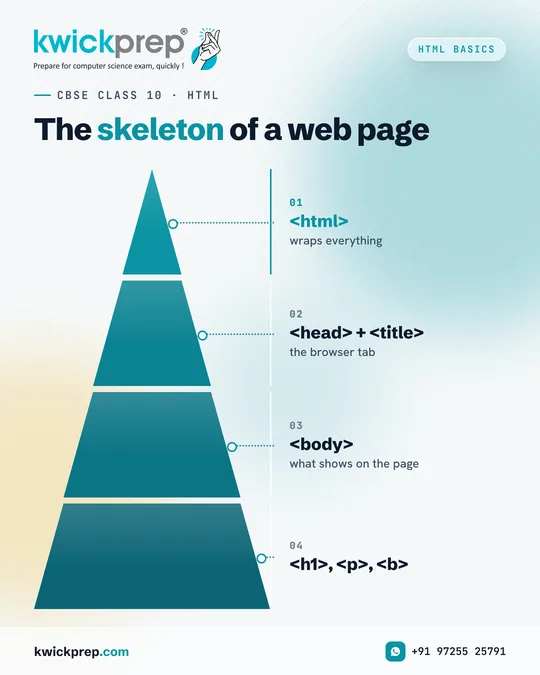 The skeleton of a web page
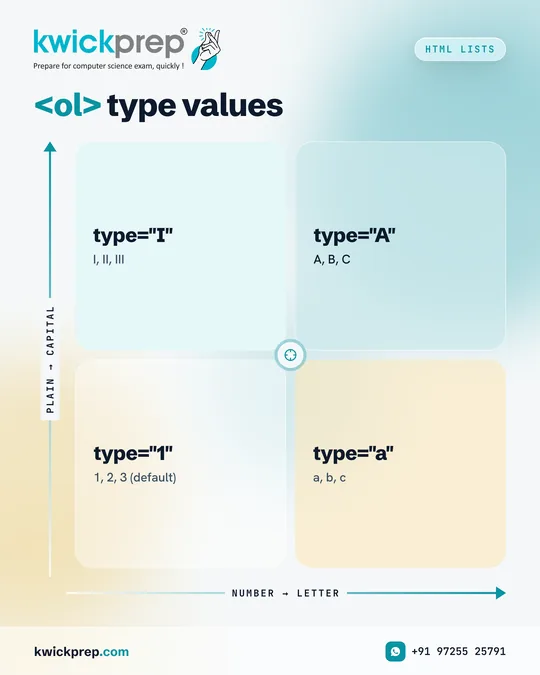 <ol> type values
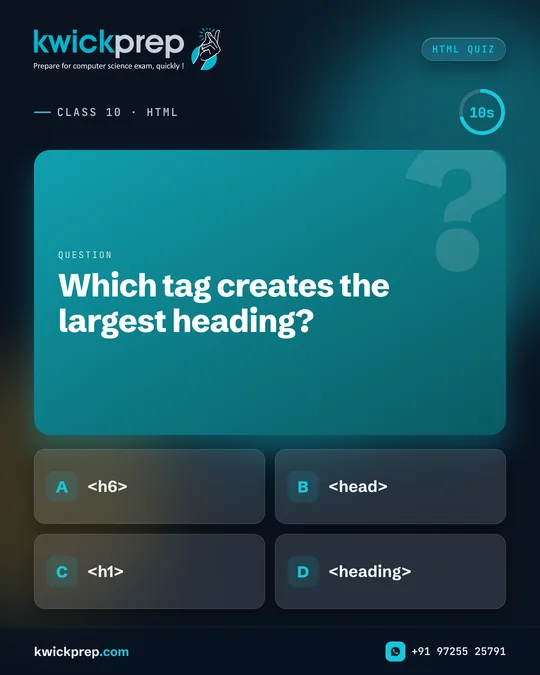 Which tag creates the largest heading?
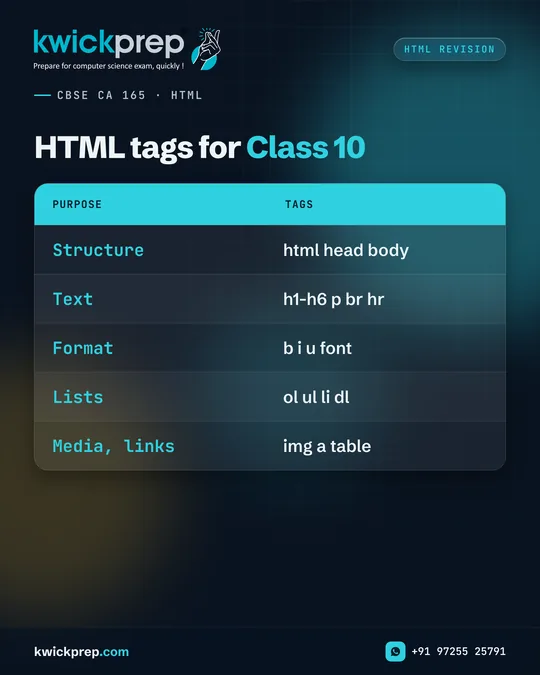 HTML tags for Class 10
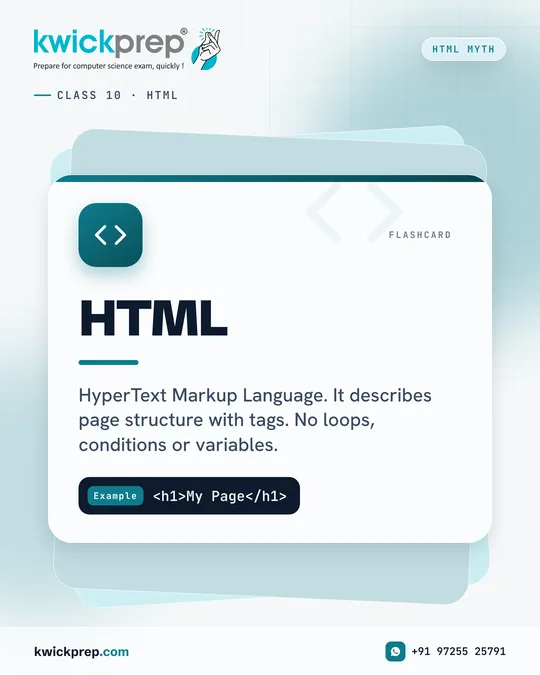 HTML
HTMLDisclaimer. KwickAcademy is free study material for general learning and revision. Parts of it, including the voice-over, are produced with the help of AI tools and may contain errors; if you spot one, please tell us and we will correct it. Syllabus, marks and exam details follow the latest official board publications available to us, and boards can change them at any time, so always confirm against your board's official website and your school. Using this material does not guarantee any marks or result. Board names and trademarks belong to their owners; Kwickprep is not affiliated with or endorsed by any examination board. We never ask for passwords, OTPs or ID numbers. Your progress is saved only in this browser. Full disclaimer · Privacy